

Starting your business is exciting—but managing your finances doesn’t have to be overwhelming. QuickBooks Online (QBO) is a powerful tool that can save you hours of manual bookkeeping, but only if it’s set up correctly from the beginning.
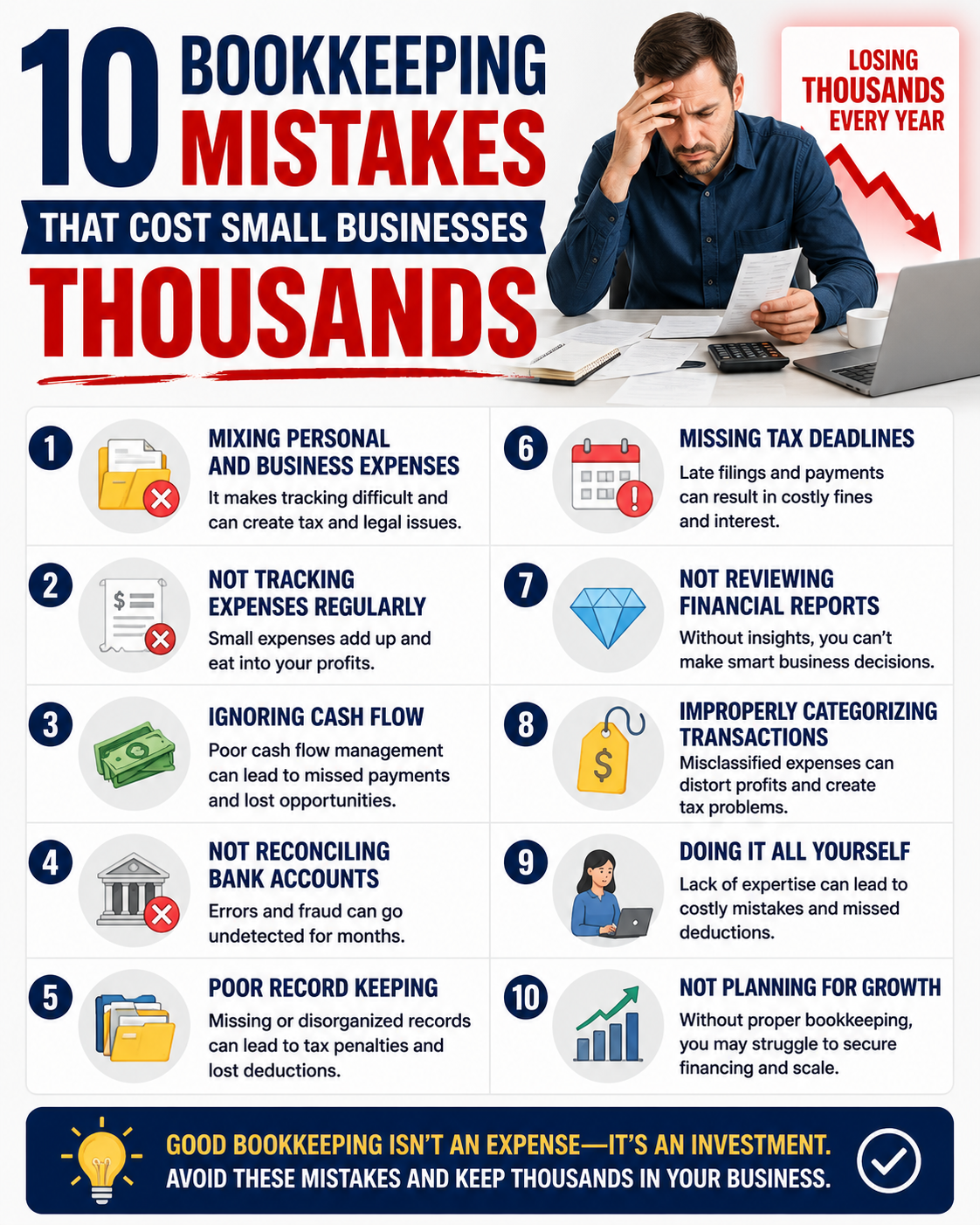
Many small business owners dive in without a proper setup, which leads to messy accounts, frustrated hours, and inaccurate reporting. In this guide, we’ll walk you through the right way to set up QuickBooks Online so you can stay on top of your finances, focus on growth, and make confident business decisions.
1. Choose the Right QuickBooks Online Plan
QuickBooks Online offers multiple plans—Simple Start, Essentials, Plus, and Advanced. Choosing the right plan depends on your business needs:
- Simple Start: For sole proprietors or very small businesses.
- Essentials: For businesses with multiple employees or recurring bills.
- Plus: For growing businesses needing project tracking and inventory management.
- Advanced: For companies with complex reporting needs or multiple users.
Tip: Assess your current needs and anticipate future growth to select a plan that scales with your business.
2. Set Up Your Chart of Accounts Properly
Your Chart of Accounts organizes all your financial transactions into categories like income, expenses, assets, and liabilities.
- Start with default accounts QBO provides, but customize them to match your business.
- Avoid creating too many accounts; simplicity ensures clearer reporting.
- Make sure income and expense accounts align with how you want to track profits.
Pro Tip: A properly structured Chart of Accounts saves countless hours during tax season.
3. Connect Your Bank and Credit Card Accounts
- Double-check accounts match your Chart of Accounts categories.
- Reconcile regularly to ensure books reflect actual balances.
- Automate rules for recurring transactions to save time and reduce errors.
Pro Tip: Always review imported transactions—they can sometimes be miscategorized.
4. Set Up Customers, Vendors, and Products/Services
- Customers: Add contact info, payment terms, and default sales tax if applicable.
- Vendors: Track expenses and payment terms to manage cash flow effectively.
- Products/Services: Ensure each item is correctly categorized as taxable or non-taxable.
5. Automate Invoices, Bills, and Payments
- Set recurring invoices for repeat clients.
- Automate bill reminders to avoid late fees.
- Enable online payments for faster cash flow.
Tip: Automating routine tasks reduces stress and allows you to focus on growing your business.
6. Customize Reports to Make Decisions Easier
- Set up reports to track metrics important to your business.
- Schedule monthly reports to be emailed automatically.
- Review reports regularly to make informed decisions and spot trends early.
7. Maintain Clean Books with Regular Reconciliation
- Match your QBO transactions to bank statements.
- Correct errors or duplicates immediately.
- Monthly reconciliation keeps your books accurate and stress-free.
8. Seek Professional Guidance When Needed
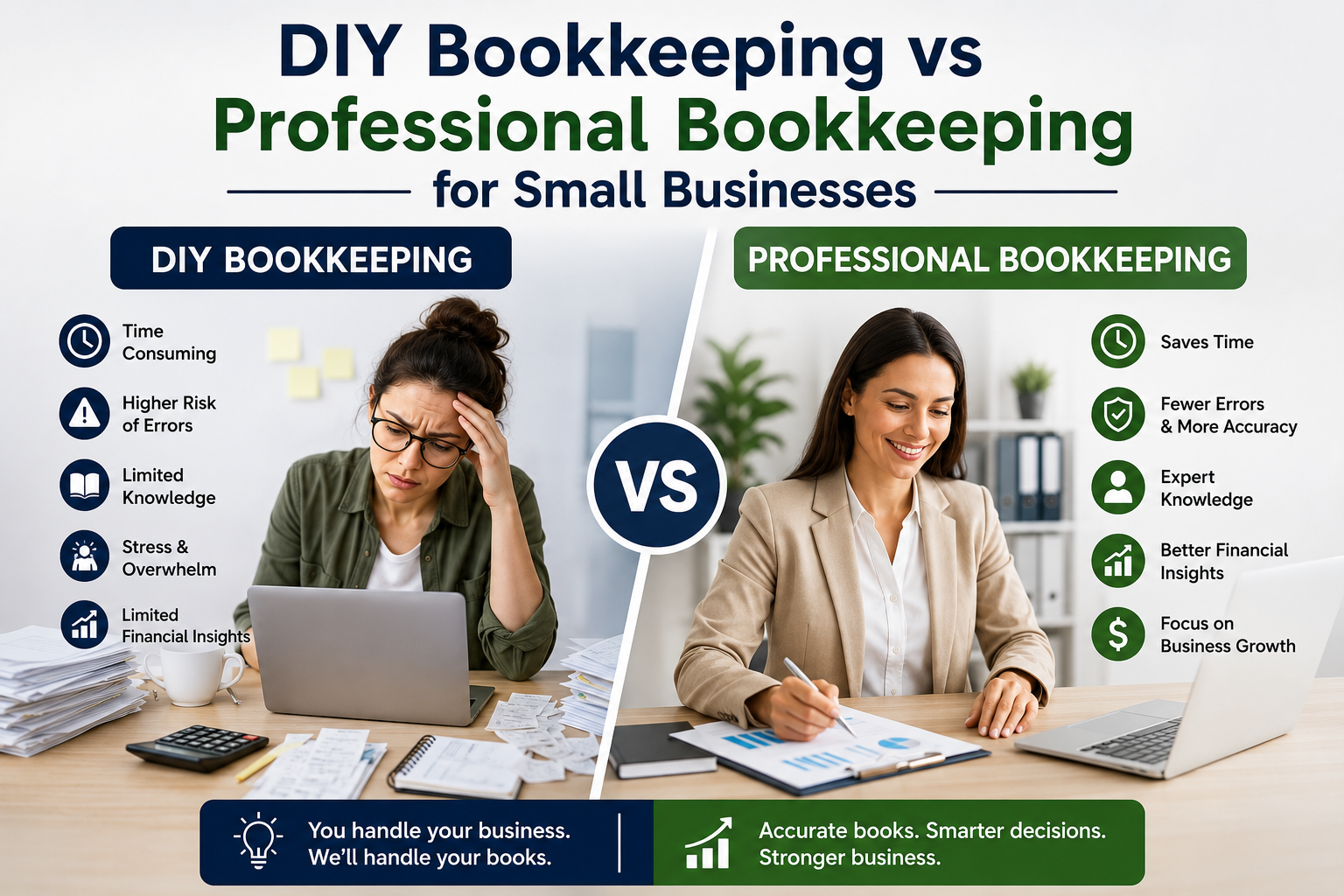
Setting up QuickBooks Online correctly is crucial for long-term financial health. If you’re unsure about categories, automation, or tax implications, consulting a professional bookkeeper can save you time, money, and headaches.
At Thank Heavens Bookkeeping, we help small business owners set up QBO the right way, ensuring your books are accurate and actionable from day one.
Conclusion
QuickBooks Online is an incredible tool—but only if it’s set up correctly. Choosing the right plan, organizing your Chart of Accounts, connecting accounts, automating workflows, and maintaining accurate records will save you time, reduce stress, and allow you to focus on growing your business.Get Your QuickBooks Set Up Right
Related Links:
ARTICLE BY:

Joshua Parsley
Joshua Parsley is the owner of Thank Heavens Bookkeeping and works with service-based business owners who are tired of feeling disconnected from their numbers. After experiencing firsthand how overwhelming finances can feel, Joshua made it his mission to simplify bookkeeping and give business owners clarity, control, and peace of mind. Today, he helps clients understand their numbers in plain language, build profitable systems, and finally feel confident about where their business stands.